How to Make Hi-Hat Rolls in FL Studio
Program trap and drill hi-hat rolls in FL Studio: grid settings for triplets and fast rolls, the Chop tool, velocity ramps, pitch rises and keeping rolls musical.

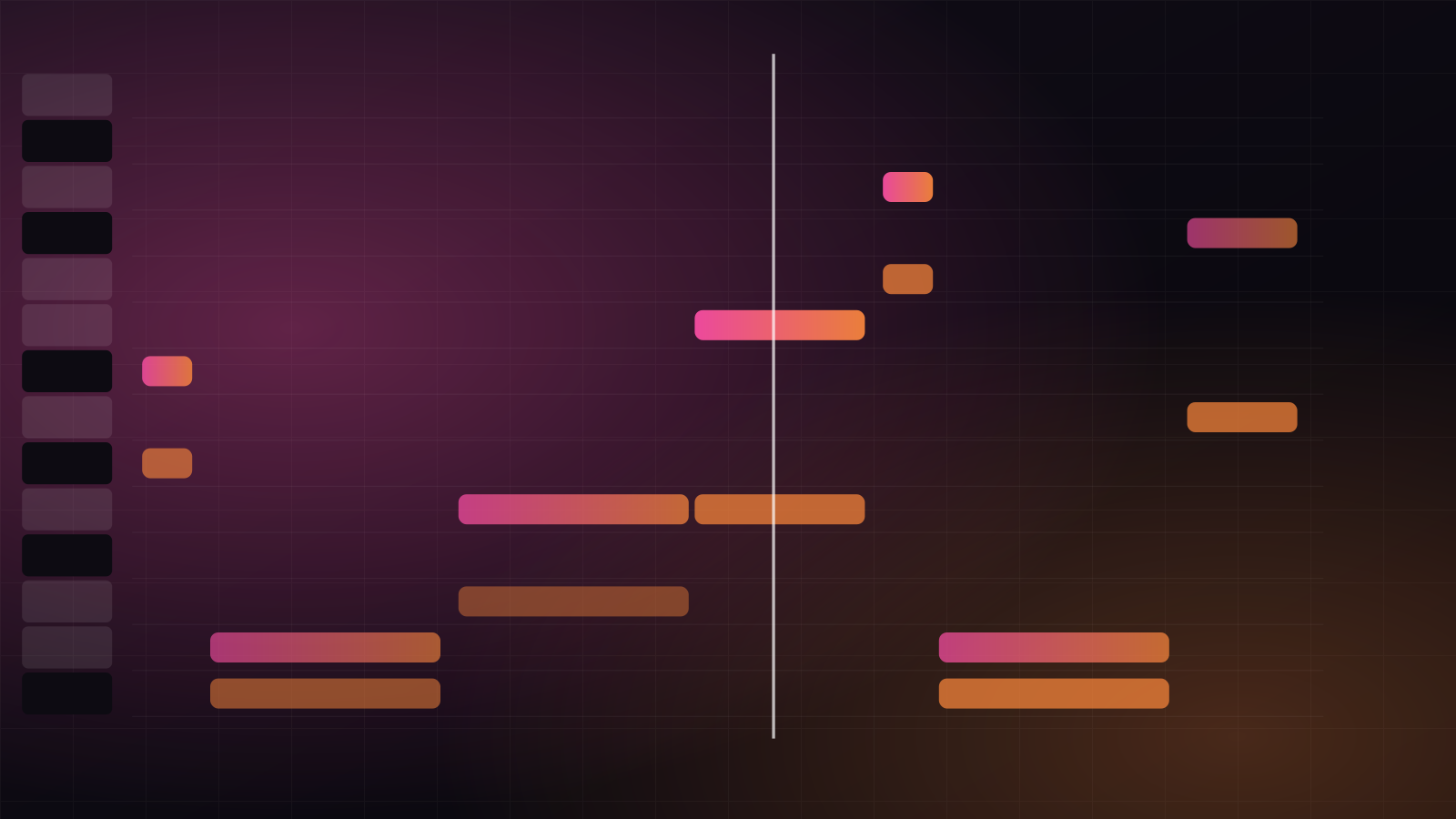
Hi-hat rolls are the fast, stuttering bursts that give trap and drill their energy. They look complicated but come down to a few grid settings and some taste. Here is how to program them in FL Studio's Piano Roll.
Start with a basic hat pattern
Lay down a steady pattern first: eighth notes or sixteenth notes across the bar. Rolls work because they break this steady pulse, so the pulse has to exist. Our drum pattern cheat sheet has starting patterns for each genre.
Change the grid
At the top left of the Piano Roll, open the snap menu and change the grid resolution. Common roll sizes:
- 1/2 step (32nd notes): fast, sharp rolls.
- 1/3 step or 1/6 step: triplet rolls, the classic trap bounce.
- 1/4 step (64th notes): very fast buzz rolls, used sparingly.
Draw the roll notes on the finer grid, then switch back to your normal grid for the rest of the pattern.
Use the Chop tool
Instead of drawing every note, draw one longer note and use Tools → Chop in the Piano Roll to slice it into equal smaller notes. Choose the chop size and the note becomes a roll instantly. It is the fastest way to try different roll speeds.
Shape the velocity
A roll at flat velocity sounds like a machine gun. Shape it:
- Crescendo: start quiet and get louder towards the next beat — builds tension.
- Decrescendo: start loud and fade — feels like a bounce falling away.
- Accent the first note of each group so the rhythm stays readable.
Select the roll notes and draw a ramp in the velocity lane at the bottom of the Piano Roll.
Pitch rolls
Raising the pitch across a roll creates a rising, almost melodic effect common in modern trap. Move each roll note up a semitone or two as it progresses, or use the pitch lane in the Piano Roll's event area. Keep it subtle — a few semitones over the whole roll is plenty.
Panning and variation
- Alternate roll notes slightly left and right for movement.
- Use a second, softer hat sample for some roll notes.
- Add a short delay on the hats for a smeared, spacious roll — get the timing from the delay calculator.
Where to put rolls
Rolls work best as punctuation: at the end of a bar, leading into the snare, or at the end of a four-bar phrase. A roll in every bar quickly becomes noise. Listen to the vocal too — rolls should answer the flow, not fight it.
Genre differences
- Trap: triplet rolls and pitch rises, often busy.
- Drill: sparser hats with sudden triplet bursts — see how to make drill beats.
- Jersey club and Baltimore-influenced styles: rolls interact with kick patterns more than hats.
For a broader guide to trap drums, read how to make trap beats.
Get a new drum idea →Generate a beat direction when your hats all start to sound the same.Frequently asked questions
How do I make triplet hi-hats in FL Studio?
Set the Piano Roll grid to 1/3 step or 1/6 step and draw the notes, or chop a longer note into triplets.
How do I make hi-hat rolls sound less robotic?
Shape the velocity with a ramp, accent the first note of each group and vary the samples slightly.
How often should I use hi-hat rolls?
Sparingly — at the end of bars and phrases. A roll in every bar loses its impact.
Want to try it on your own track? See all the free music tools — no account needed.