Multiband Compression Explained (and When You Need It)
What a multiband compressor does, when it beats normal compression or EQ, practical uses on bass, vocals and the mix bus, and settings to start with.

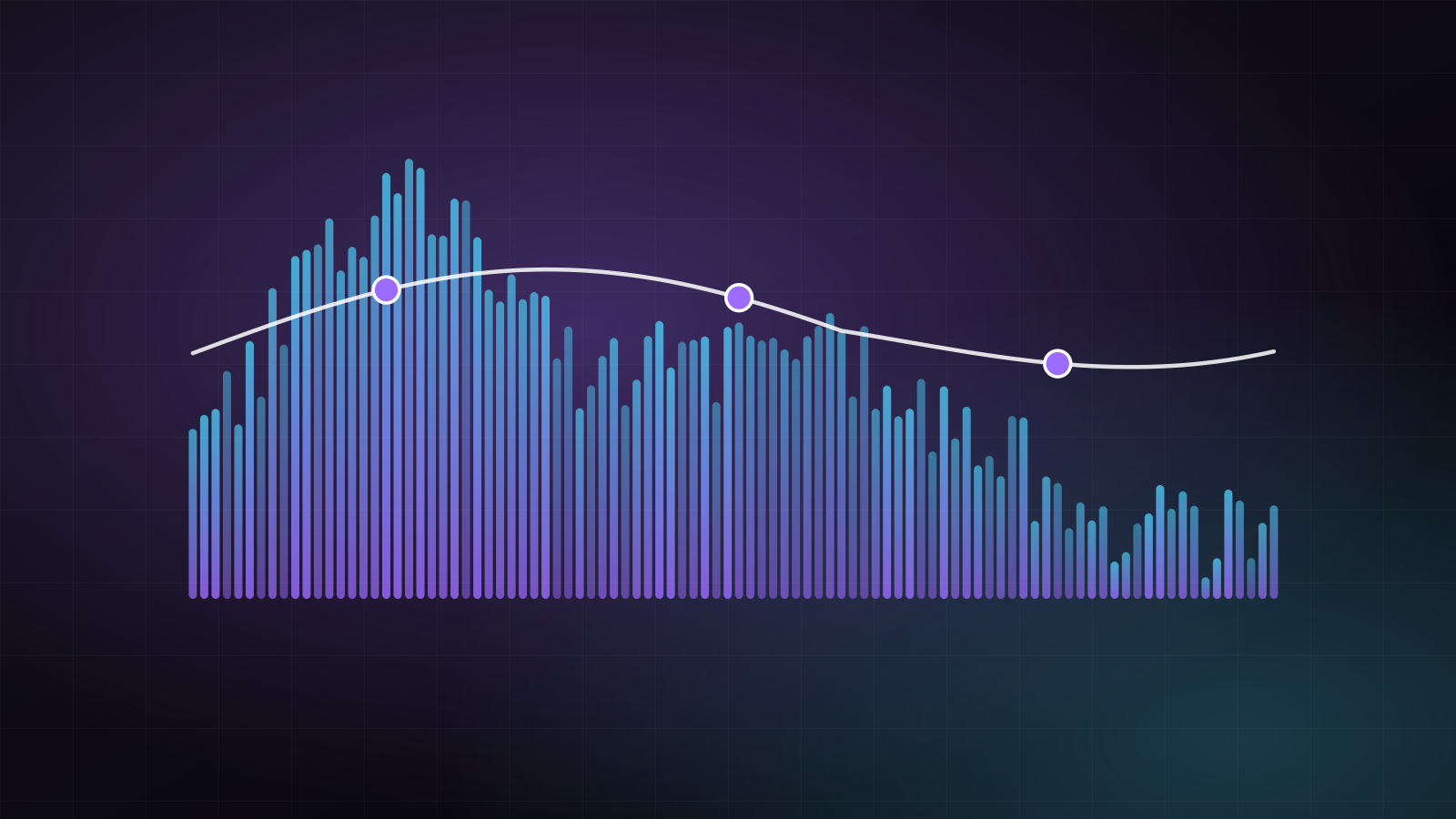
A normal compressor reacts to the whole signal at once. A multiband compressor splits the sound into frequency bands — typically low, mid and high — and compresses each band separately. That lets you control one part of the spectrum without affecting the rest.
Why it matters
Imagine a bass line where a few notes boom much louder than the others. A normal compressor would turn the whole bass down every time those notes play, including its upper harmonics. A multiband compressor can control only the low band, leaving the rest of the bass untouched. If compression basics are new, read compression explained first.
The controls
- Crossover frequencies — where one band ends and the next begins.
- Threshold, ratio, attack and release — for each band, just like a normal compressor.
- Band gain — the output level of each band, which also works like a broad EQ.
- Solo and bypass per band — essential for hearing what each band is doing.
Multiband compression vs EQ
An EQ boost or cut is always on. A multiband compressor only acts when a band gets too loud. Use EQ for tone that is always wrong; use multiband compression for problems that come and go — a booming note, a harsh word, a sudden build-up.
Practical uses
Even out a bass or 808
Set a low band up to about 100–120 Hz and compress gently so every note lands at a similar level. The harmonics above stay natural and audible.
Control a boomy vocal
Some singers get boomy on low notes or when close to the mic. Compress a band around 150–300 Hz that only reacts on those moments.
Soften harshness
A band in the 2–5 kHz range can tame a vocal or guitar that becomes harsh only when the performer pushes. For sibilance specifically, a de-esser is a specialised version of the same idea — see how to de-ess vocals.
Glue the mix bus
On the master, light multiband compression can keep the low end steady while the top stays lively. Keep it very gentle: 1–2 dB of reduction per band.
Starting settings
- Start with three bands. More bands mean more ways to make things sound unnatural.
- Low ratios: 2:1 to 3:1.
- Medium attack and release, adjusted per band — slower for low frequencies, faster for highs.
- Aim for only 1–3 dB of gain reduction, and only when the problem happens.
Common mistakes
- Using it because it is there. If a normal compressor or EQ solves the problem, use that.
- Over-compressing every band. The mix loses dynamics and sounds flat and lifeless.
- Hard crossovers in sensitive places. A crossover right in the middle of a vocal can make it sound phasey. Move it.
- Judging louder as better. Match levels before and after so you hear the real change — see gain staging.
In mastering
Multiband compression is a common mastering tool, used to balance the spectrum dynamically. AI mastering applies this kind of processing automatically: the HOPEX AI mastering tool lets you pick a genre profile and loudness target and A/B the result against your mix, so you can hear what changed.
Hear your mix mastered →Genre profiles, loudness targets and an A/B against your original.Frequently asked questions
What is multiband compression?
Compression that splits audio into frequency bands and compresses each band separately.
When should I use multiband compression?
When a problem only happens in one frequency range and only some of the time, like a booming bass note or harsh vocal moments.
Is a de-esser a multiband compressor?
A de-esser is a specialised single-band version of the same idea, focused on sibilance.
Want to try it on your own track? See all the free music tools — no account needed.